
CamDock — Use your phone as the webcam for your Windows PC
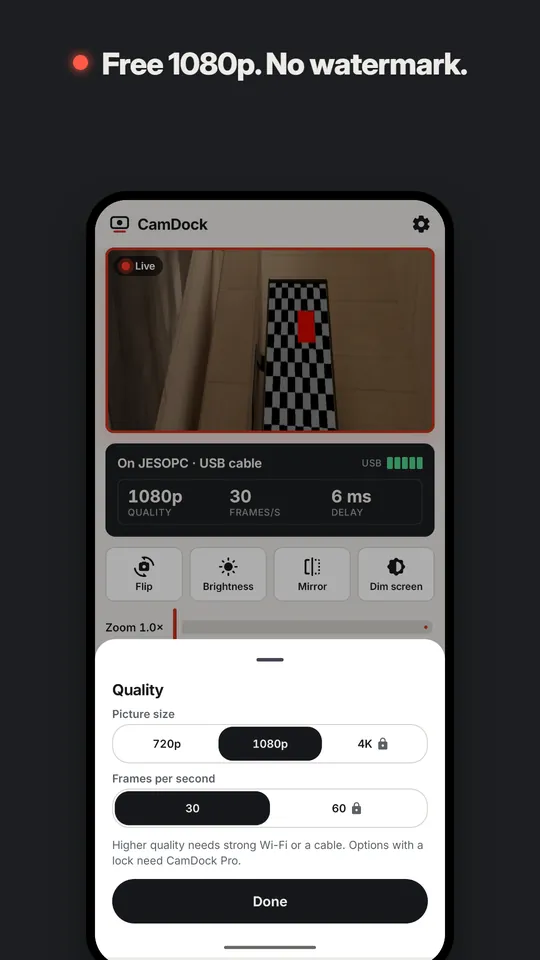
Use your Android phone as the webcam for your Windows 11 PC. It shows up as "CamDock Camera" in Zoom, Teams, Google Meet, OBS and any other app that uses a camera. Free up to 1080p, with no watermark, no ads and no account.
- StatusComing soon
- CategoryPhone as webcam
- PriceFree · one-time Pro
- Languages12 languages
- PlatformAndroid
- Also needsNeeds the free CamDock app for Windows 11
CamDock for Windows
CamDock needs its free companion app on the PC (Windows 11, 64-bit). Run the installer and allow it when Windows asks: it adds “CamDock Camera” for Zoom, Teams, Meet and OBS, and lets CamDock through the firewall on private networks only. The installer is not code-signed yet, so Windows SmartScreen may call it unrecognised: choose More info, then Run anyway. To remove it, use Settings > Apps.
Wi-Fi or USB cable
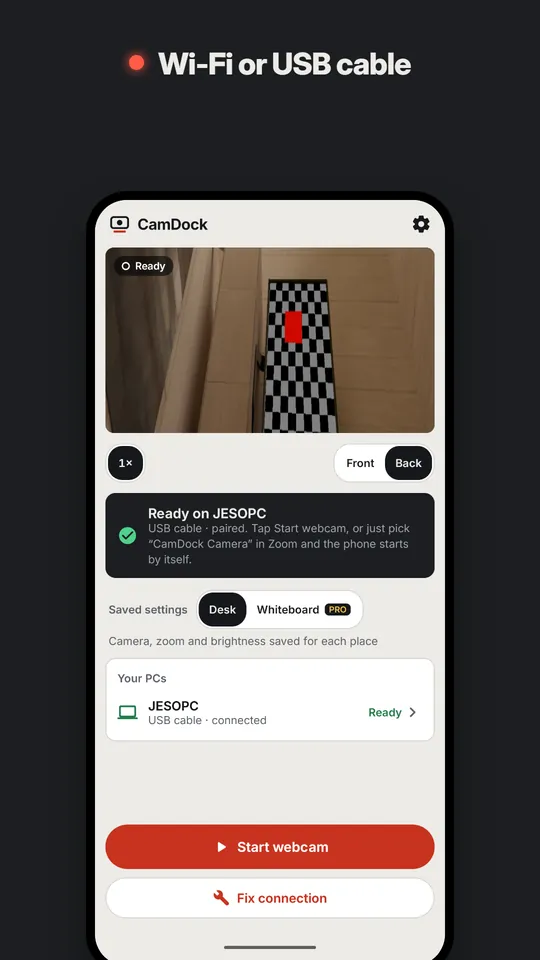
- Finds your PC on the same Wi-Fi by itself; match a 6-digit code once to pair.
- Or plug in a USB cable for the steadiest picture.
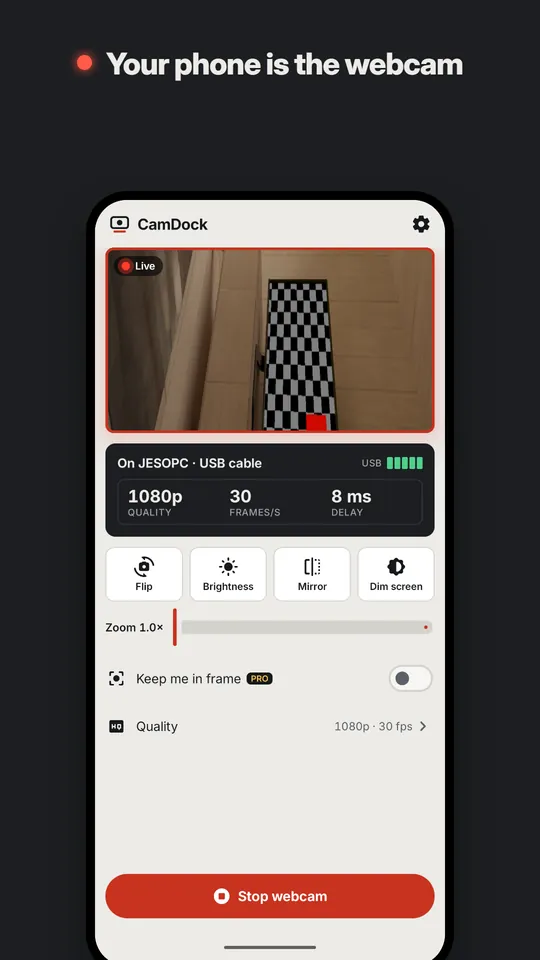
- The live screen shows the real delay in milliseconds.
A camera that behaves
- Front or back camera, zoom slider, tap to focus, brightness, mirror and the phone light.
- If the connection drops, your call shows "Reconnecting" instead of a frozen picture, and CamDock reconnects by itself.
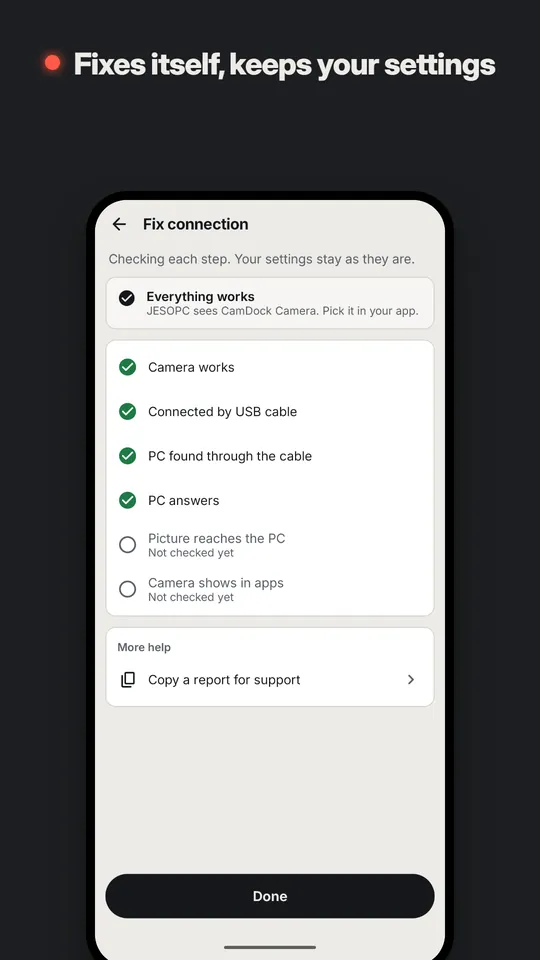
- Fix connection checks each step and names the one that is broken, without deleting your settings.
Phone mic for OBS
Turn on “Phone mic for OBS” and the phone’s microphone goes to CamDock on your PC, which offers it to OBS as a Media Source at a local address only that PC can open. It is off until you turn it on, and the screen and notification show when it is on. For Zoom or Teams, use your PC’s own microphone.
Free, with optional Pro
Up to 1080p at 30 frames per second is free, with no watermark and no time limit. One Pro purchase adds 4K and 60 fps where your phone can do it, Keep me in frame, control of the camera from the PC, and saved settings for each place. No subscription.
Stays between your phone and your PC
The picture goes only to your own PC, encrypted, over your Wi-Fi or cable. There is no CamDock account and no cloud, and nothing is sent to us.