
NFC Workbench — Read, write and verify NFC tags
Read, write, and verify NFC tags. Preview exactly what a tag will do, check it after every write, and keep a receipt, with no account and no internet needed.
- StatusTesting on Google Play
- CategoryNFC tag tools
- PriceFree · one-time Pro
- Languages12 languages
- PlatformAndroid
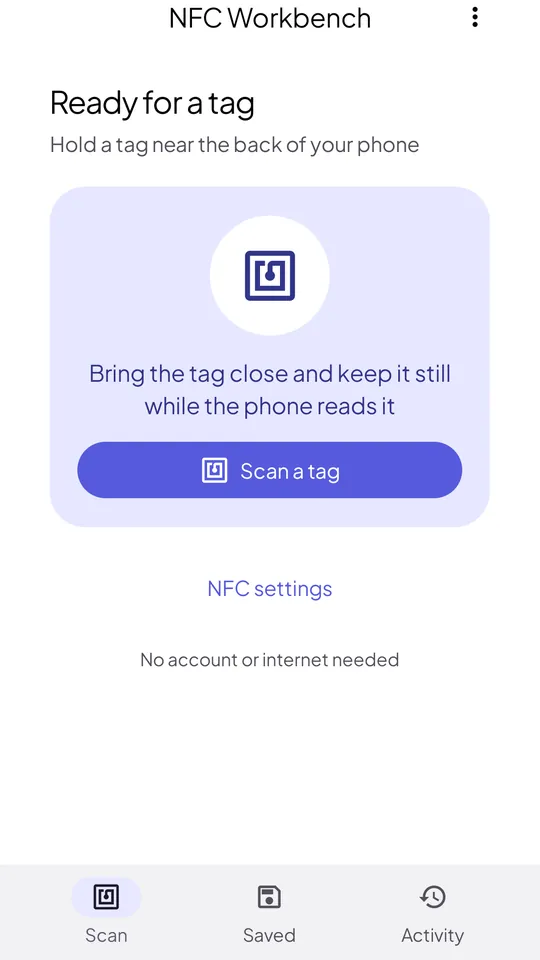
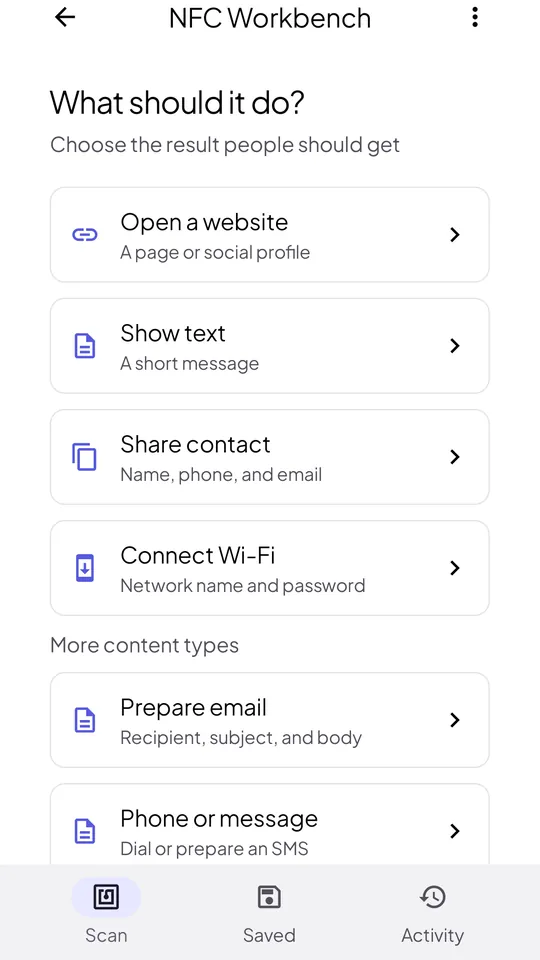
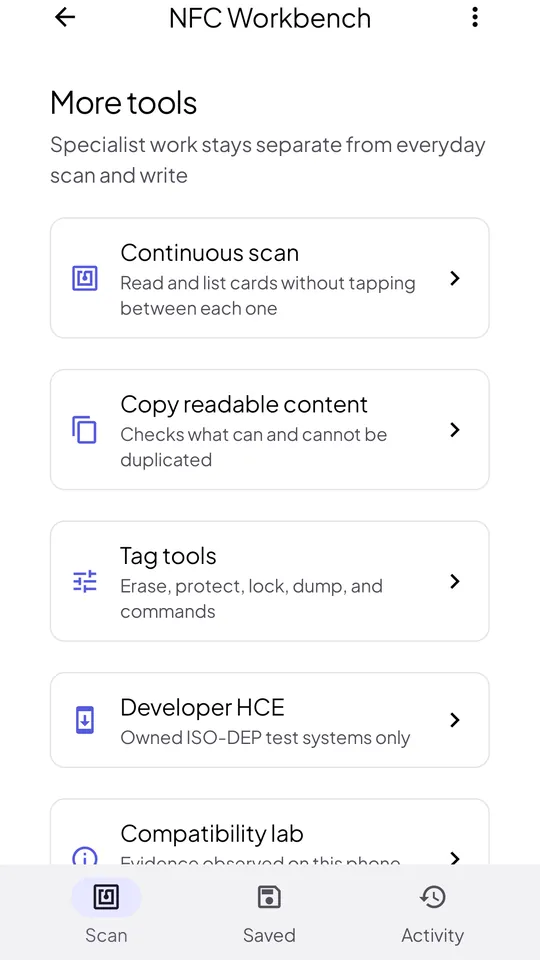
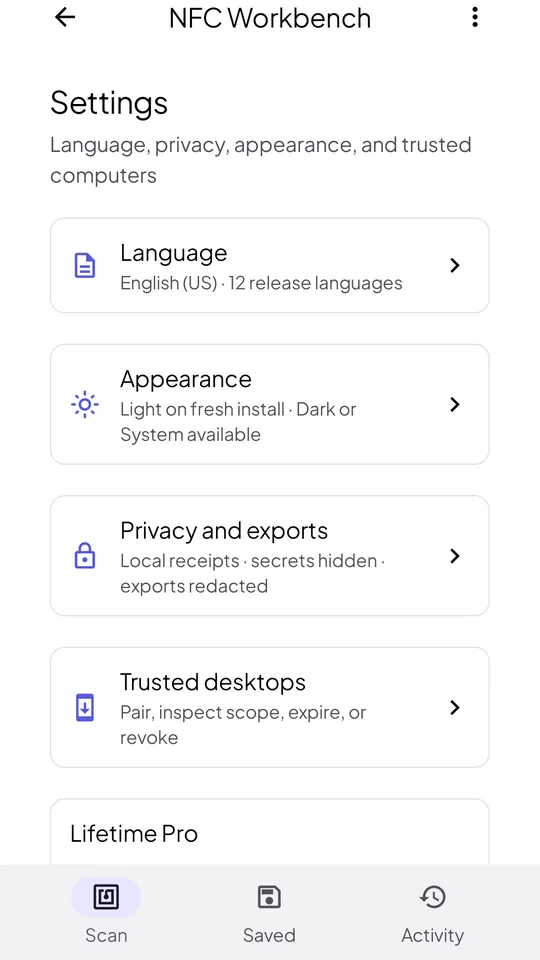
Write with confidence
- Websites, text, contacts, Wi-Fi, email, phone and SMS, maps, Bluetooth, and more.
- See the exact result and size before writing.
- Every write is read back and verified, with a recovery path if something goes wrong.
Work through many tags
- Saved profiles for content you write often.
- Continuous scan to read cards one after another, with notes and CSV or PDF export.
- Local history for every read, write, erase, lock, and copy.
Specialist tools
Copy readable content, erase tags, or permanently lock tags. With Lifetime Pro: custom commands, memory dumps, a developer HCE test session, and pairing with NFC Workbench for Windows over your local network.
Free with optional Lifetime Pro
Scanning, safe writing, verification, recovery, and up to five saved profiles are free. One Lifetime Pro payment unlocks the advanced tools. No ads, no subscriptions, and 12 languages.
Optional Windows companion
Pair NFC Workbench for Windows (Windows 11, 64-bit) over your own local Wi-Fi using a QR code and AES-256-GCM / mutual-pinned TLS. The installer allows private-network communication through the Windows firewall and can be removed anytime from Settings > Apps. It is not code-signed yet, so Windows SmartScreen may show a warning: choose More info, then Run anyway.