Deskpane — Open your Windows, Mac or Linux PC on your phone
Use your computer from your phone or tablet. Deskpane opens a Windows PC with Remote Desktop (RDP), or a Mac or Linux PC with VNC, and gives you a mouse and keyboard that behave like the real thing. No account, no ads, and your passwords never leave your phone.
- StatusComing soon
- CategoryRemote desktop
- PriceFree · one-time Pro
- Languages12 languages
- PlatformAndroid
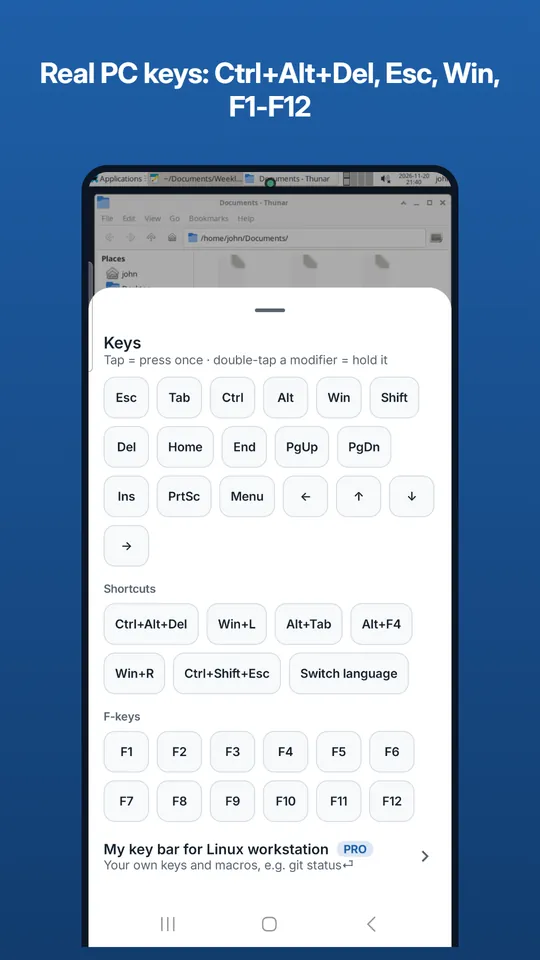
A mouse and keyboard that work
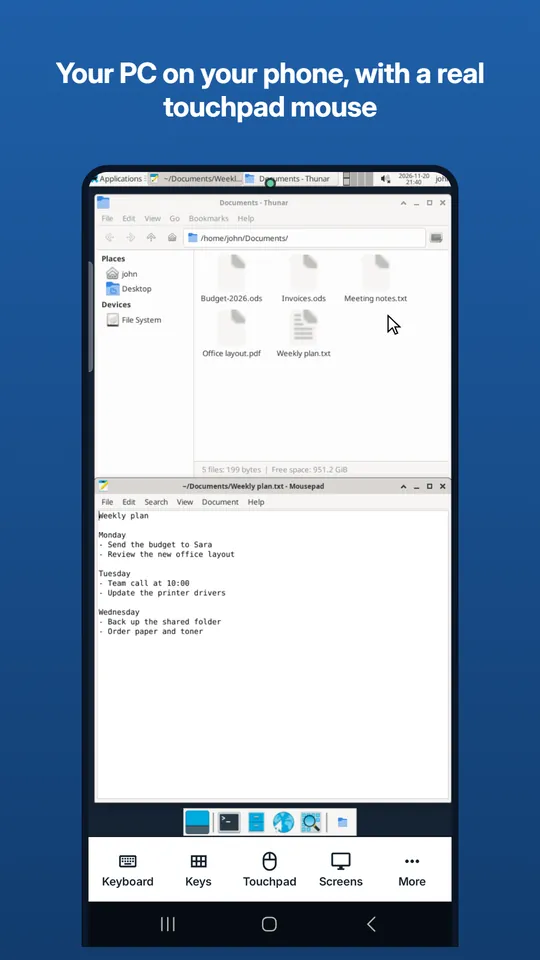
- Touchpad mode moves a pointer like a laptop touchpad; Touch mode clicks where you tap.
- Mouse buttons sit under the picture, never over the taskbar.
- A keys bar with Esc, Tab, Ctrl, Alt, Win, F1-F12 and Ctrl+Alt+Del. Shift and capitals arrive as typed, in any language.
All your computers
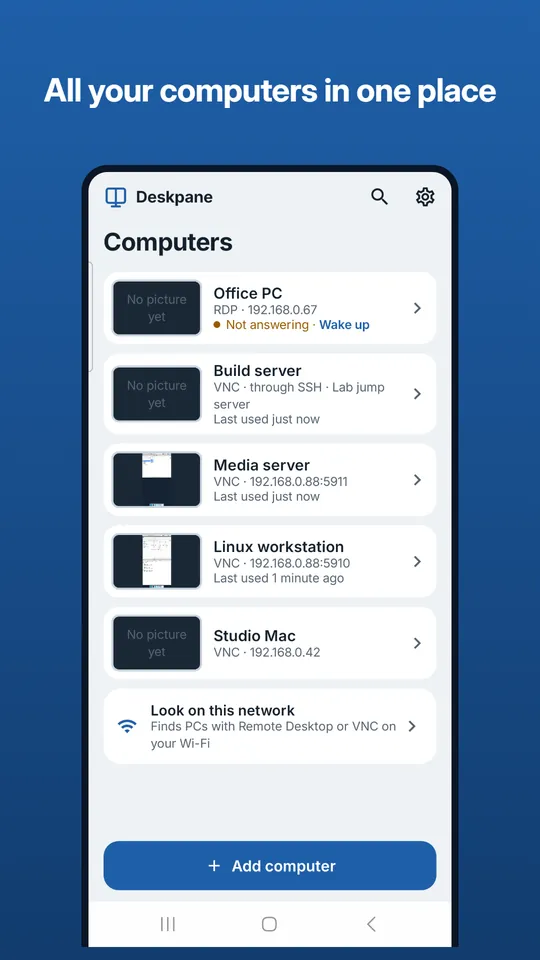
- Unlimited computers, found on your own Wi-Fi when you tap Look on this network.
- Import .rdp files and wake a sleeping PC over the network.
- Copy and paste between phone and PC.
Safe by design
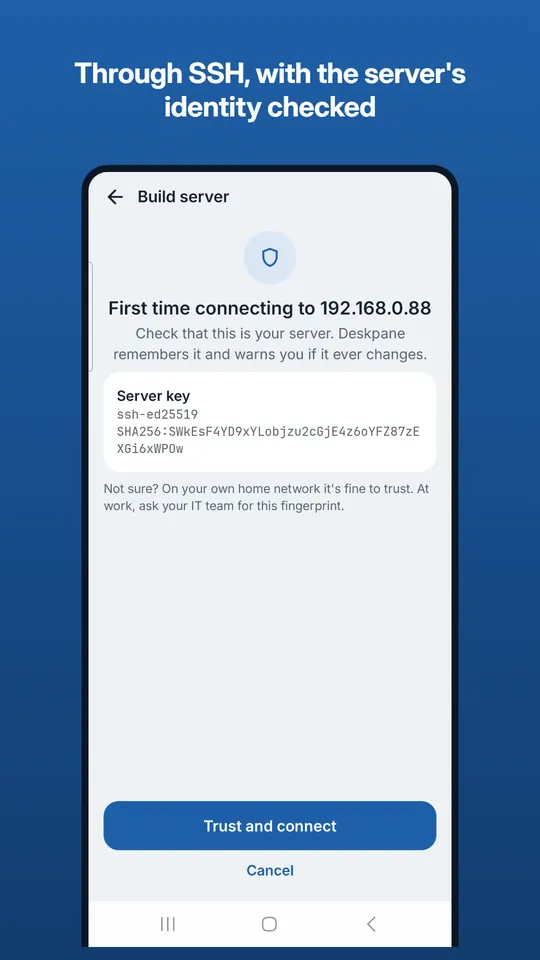
Reach a PC through an SSH server or a company Remote Desktop Gateway. Deskpane shows a server's fingerprint the first time and stops if it ever changes. Passwords are stored encrypted on the phone, with an optional fingerprint or PIN lock. When it can't connect, it says why in plain words and what to try.
Free with optional Pro
Unlimited computers, RDP and VNC, SSH and Gateway, and every mouse and keyboard feature are free. One Pro purchase, with a 7-day free trial, adds several computers open at once, remote sound, picture-in-picture, your own key bars and macros, and typing the clipboard as keys. No subscription.