Palmdeck — Your phone as a Bluetooth or Wi-Fi keyboard, touchpad and PC remote
Your phone as a keyboard, touchpad and remote for your PC. Connect over Bluetooth with nothing to install on the PC, or install the optional free Palmdeck app on Windows for encrypted Wi-Fi control, apps, folders, clipboard, screenshots and PowerPoint notes. No ads, no account.
- StatusTesting on Google Play
- CategoryPC remote
- PriceFree · one-time Pro
- LanguagesArabic and English
- PlatformAndroid
- Also needsBluetooth works with nothing to install; optional free Windows PC app (download below)
Palmdeck for Windows (optional Wi-Fi app)
Bluetooth mode needs nothing installed on the PC. For Wi-Fi control over your local network, install Palmdeck for Windows (Windows 10 or 11, 64-bit). Pairing uses a one-time QR code or 6-digit number confirmed on both screens with pinned TLS certificates. The installer lets Palmdeck through the Windows firewall on private networks only. It is not code-signed yet, so Windows SmartScreen may call it unrecognised: choose More info, then Run anyway. Uninstall any time from Settings > Apps.
Touchpad and keyboard
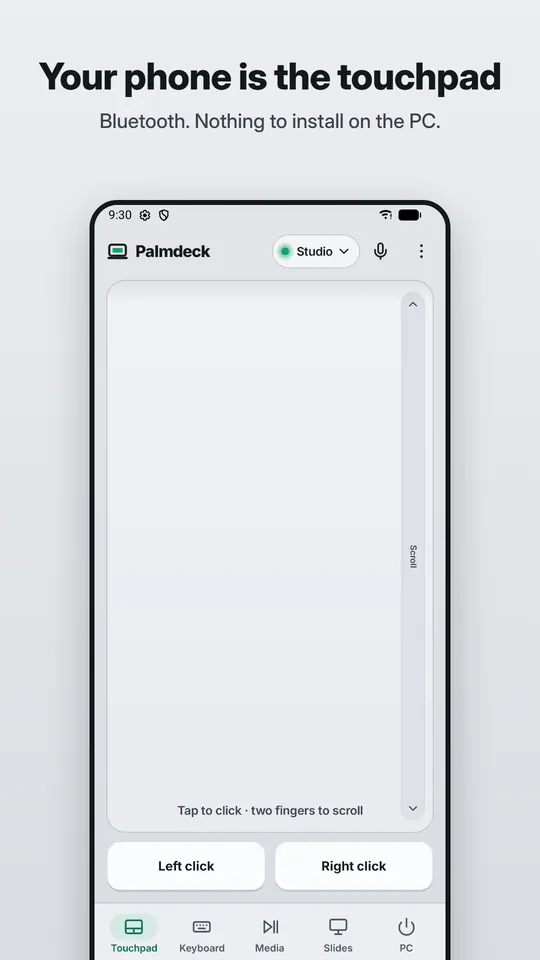
- Move, tap to click, two fingers to scroll.
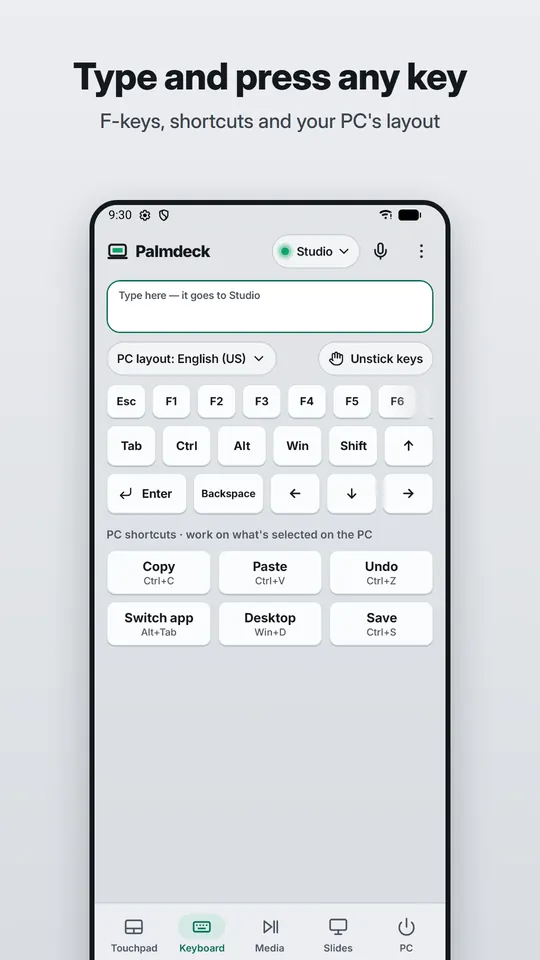
- Type straight into the PC (any language directly over Wi-Fi; English US/UK and Arabic 101 layouts over Bluetooth), with F-keys, arrows, Ctrl, Alt and Win.
Media, slides and PC controls
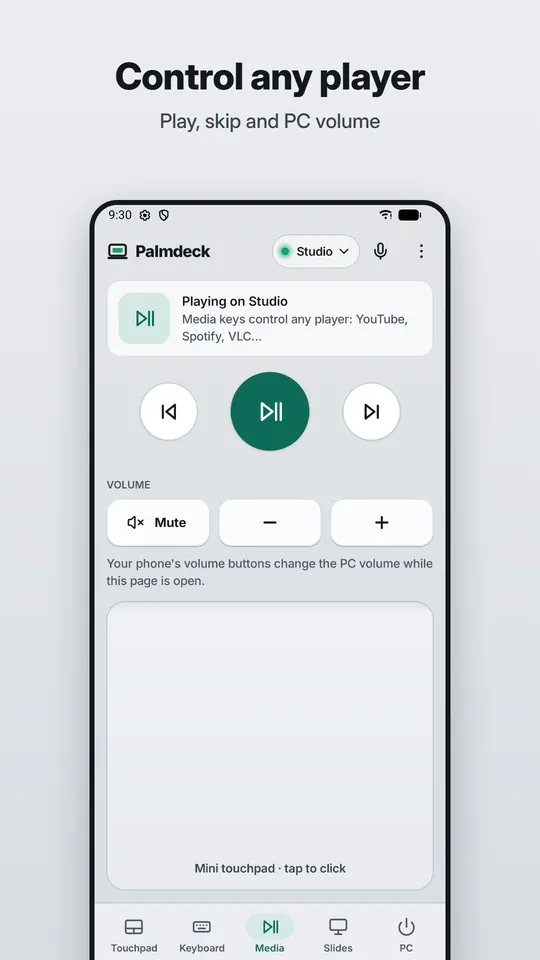
- Play, pause and skip in any player; PC volume from the phone's buttons.
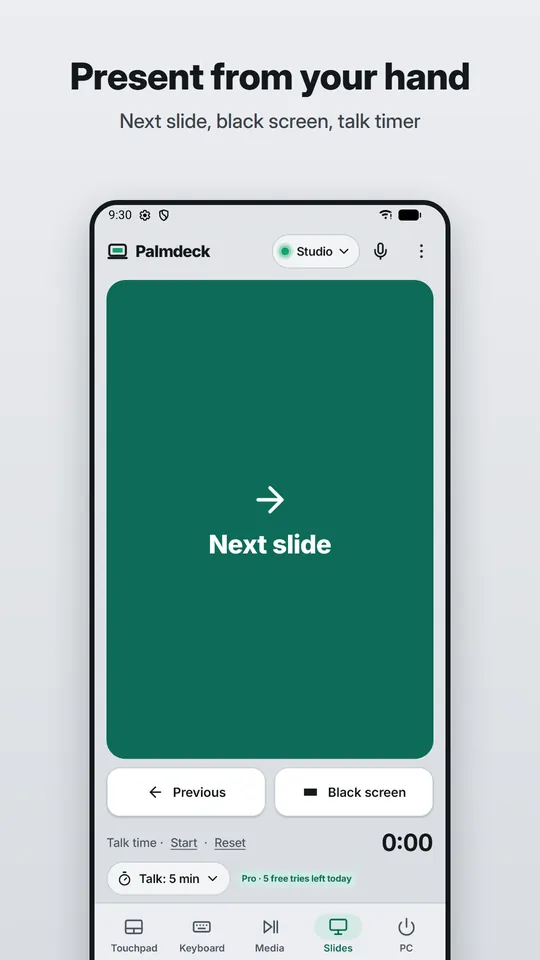
- Next slide, black screen, talk timer, speaker notes and laser pointer / pen.
- Over Wi-Fi with the PC app: power actions with cancelable PC notice, open apps, allowed folders, clipboard sync, window switcher, screenshots and Find my phone.
No stuck keys, easy fixes
Every key is let go when you lift your finger, change page or lose the connection. Check connection tests each step on its own and fixes only what failed, without forgetting your pairing.
Free with optional Pro
Touchpad, keyboard, media, slides, Check connection and core PC controls are free. One Pro purchase adds unlimited custom shortcut and text buttons, air mouse, barcode scanning into the PC, keep-awake, a buzzing slide timer, widget and quick tile, and private on-device voice commands and text fixing. No subscription.