
Screenkeep — Record your screen. Never lose the recording
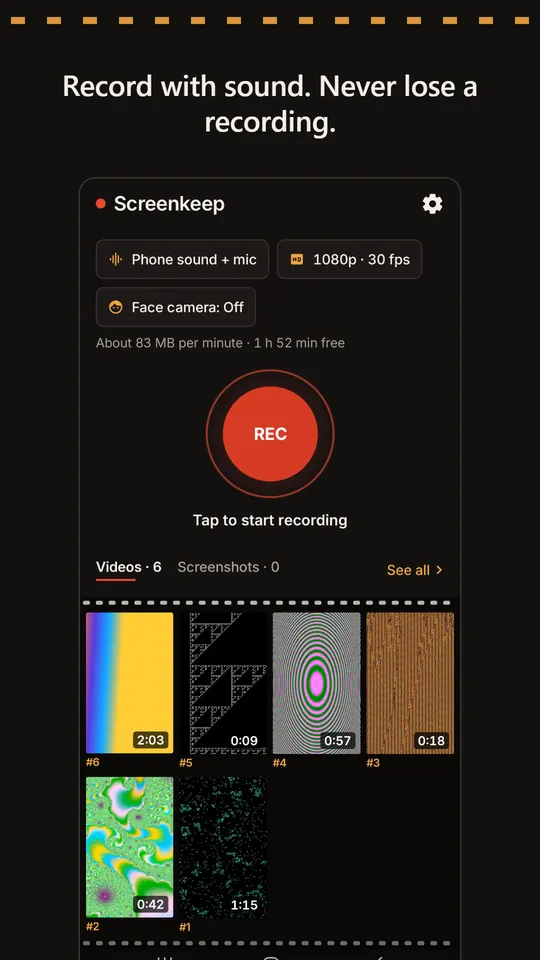
Record your screen with the phone's own sound, your voice, or both, on separate tracks. Recordings survive a crash or a dead battery, and an editor is right there when you stop. No watermark, no ads, no time limit, nothing uploaded.
- StatusComing soon
- CategoryScreen recorder
- PriceFree · one-time Pro
- Languages12 languages
- PlatformAndroid
Sound you can check
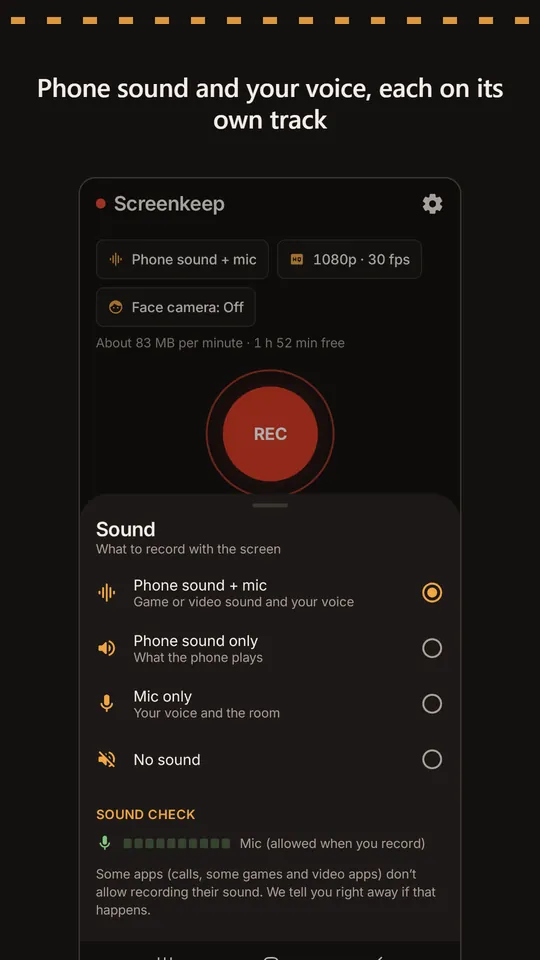
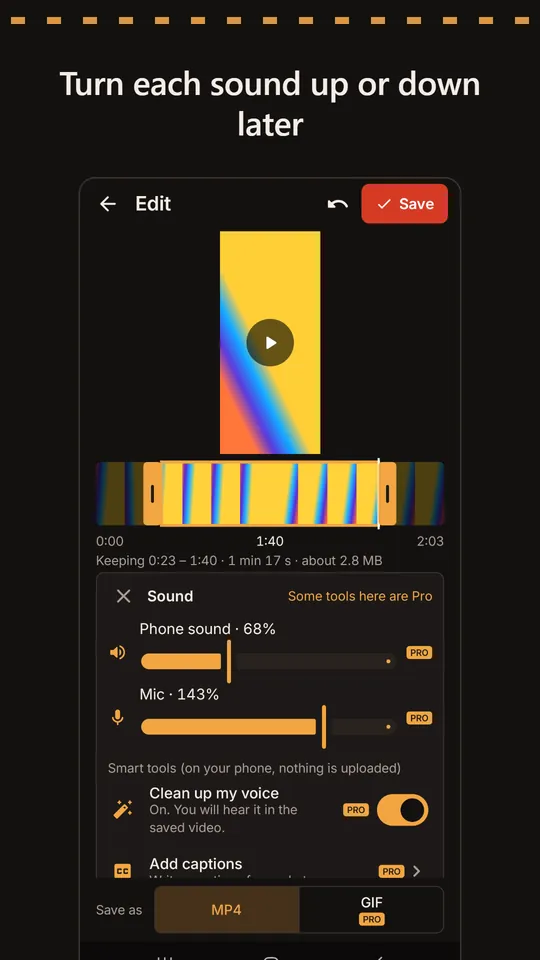
- Phone sound, your voice, or both, each on its own track
- A bubble with the time and two live sound bars
- A warning within seconds if the app on screen blocks its sound
- Phone calls pause the recording; it goes on when the call ends
A recording you never lose
- Written in small pieces as you go: a crash or dead battery loses at most two seconds
- File size per minute and time left before you start
- Stops cleanly when storage runs low, with a warning first
While you record
- Face camera in a corner, drawing on the screen, screenshots
- Countdown and pause
- Stop from the bubble, the notification, the quick settings tile or a shake
- Up to 1080p at 60 fps, with a quality slider or an exact bitrate
Edit right away
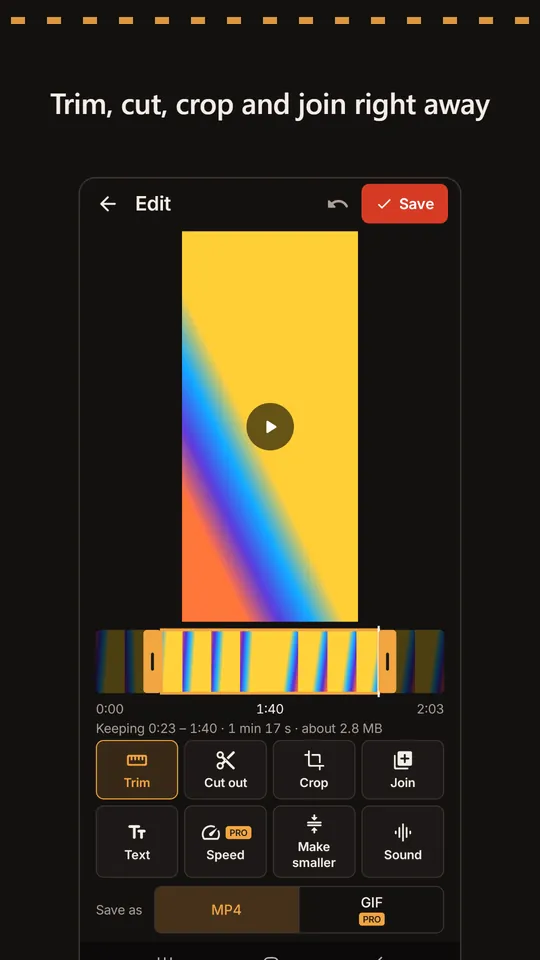
- Trim, cut out parts, crop, join clips and add text
- Make the file smaller, save as MP4; the original is always kept
Free, with optional Pro
Recording, the face camera, drawing, screenshots and the editor are free, with no watermark and no time limit. One Pro purchase adds your screen's own resolution up to 4K, 90 or 120 fps, GIF, slow motion and fast forward, separate sound volumes, voice cleanup, captions, silence removal, your own stamp and saved setups. You can try Pro tools on your own video first. No subscription.
Stays on your phone
Recordings, voice cleanup and captions all stay on your phone. No account, no ads, no analytics, and nothing you record is uploaded.
PrivacyScreenkeep records your screen on your phone, and everything it records stays on your phone. It has no Screenkeep account, no Screenkeep servers, no advertising and no analytics, and it uploads nothing you record. Read the policy
Terms of useThe rules for using Screenkeep and its purchases. Read the terms
SupportEmail the developer. Replies come from a person. support@compujohnny.com